Mac vs Windows for Development in 2026
A practical comparison of macOS and Windows as dev environments — terminal, Docker, hardware, and per-domain recommendations.
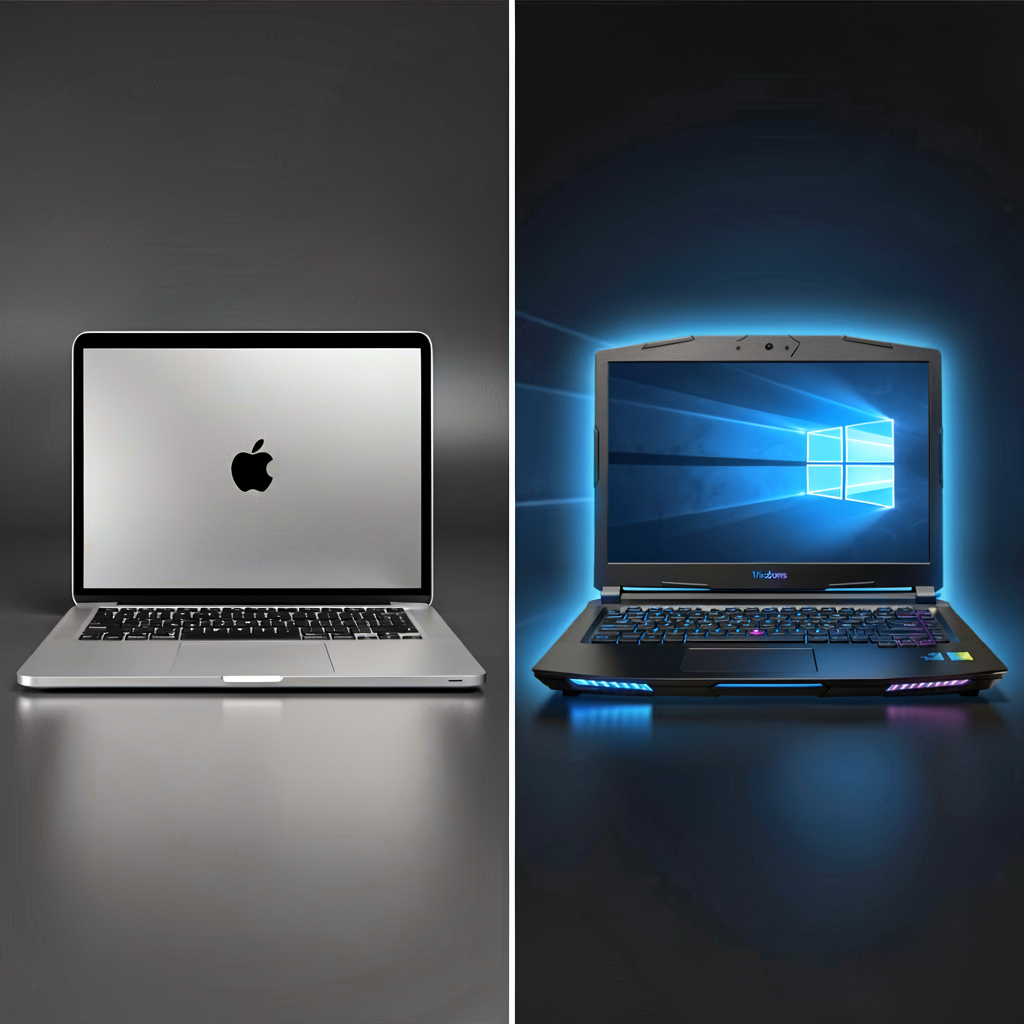
The Mac vs Windows debate among developers never dies. It's almost a religion at this point — everyone's convinced their setup is superior. The truth in 2026 is that both are perfectly capable dev machines, and the gap has narrowed significantly.
That said, differences exist. And depending on what you build, one platform can be clearly better than the other.
Where macOS Wins
Unix Under the Hood
macOS is BSD-based. Open a terminal and you get bash/zsh out of the box. Most Linux commands work as-is. When your servers run Linux, having minimal friction between your local environment and production matters more than people think.
ls, grep, sed, awk, ssh, curl — all native. Windows can do this through WSL, but "requires extra setup" and "just works" feel different in practice.
Homebrew
The macOS package manager. Installing dev tools is a one-liner.
brew install node python git docker postgresql redis
Windows has winget, Chocolatey, and Scoop. None of them match Homebrew's ecosystem breadth and reliability, though the gap is closing.
iOS/macOS App Development
No choice here. Xcode only runs on macOS. Building for iOS, iPadOS, watchOS, or macOS requires a Mac. Even if you use cross-platform frameworks like Flutter or React Native, you still need a Mac for iOS builds and simulator testing.
Text Rendering and Display Quality
macOS text rendering is objectively better than Windows. Especially on Retina displays, code looks razor-sharp. When you stare at text 8+ hours a day, this isn't trivial. Windows has ClearType, but there's still a visible difference compared to macOS font rendering.
Apple Silicon Performance
The power efficiency of M-series chips is unmatched. Silent compilation, all-day battery life. If you work from coffee shops or travel frequently, this is a real factor.
An M4 Pro MacBook Pro compiles Rust projects and builds large TypeScript codebases at desktop-class speeds — with the fans barely spinning.
Where Windows Wins
WSL2 Changed Everything
Windows Subsystem for Linux 2. This single feature killed the "you can't develop on Windows" argument. It runs a real Linux kernel, so Docker performs near-native, and Linux-only tools work without issues.
# install WSL (one command)
wsl --install

# launch Ubuntu
wsl
One thing to watch: filesystem performance. Working inside the Linux filesystem (/home/) is fast. Accessing Windows files through /mnt/c/ is slow. Keep your projects inside WSL.
VS Code's Remote - WSL extension lets you edit files inside WSL directly from Windows. The combo works surprisingly well.
.NET and C# Development
If you're on the Microsoft stack, Windows is home base. .NET is cross-platform now, but full Visual Studio is still Windows-only, and Azure integration is smoothest on Windows.
Game Development
Unity and Unreal Engine technically support macOS, but game dev is a Windows-first world. DirectX graphics debugging, GPU profiling tools, VR development — all Windows-centric. If you need a macOS build, you cross-compile.
Hardware Freedom
This one's hard to ignore. Mac means Apple's configurations at Apple's prices. Windows means you pick your own specs.
| Config | Mac | Windows |
|---|---|---|
| High-end workstation | Mac Studio M4 Max (maxed): ~$4,500+ | Ryzen 9 + RTX 4090 build: ~$2,500 |
| Mid-range dev machine | MacBook Pro M4 Pro: ~$2,400 | Ryzen 7 + RTX 4070 laptop: ~$1,400 |
| Budget dev machine | MacBook Air M4: ~$1,300 | Ryzen 5 desktop: ~$600 |
On raw price-to-performance, Windows wins easily. Desktop developers especially get far more power per dollar. And if you need an NVIDIA GPU for ML/AI work, Windows or Linux is effectively your only option.
RAM Upgrades and Repairability
Mac uses unified memory — you can't add RAM later. Buy what you need upfront. A Windows desktop? Just slot in more DIMMs.
Terminal and Shell Comparison
On macOS, it's Terminal.app + zsh (or iTerm2 + Oh My Zsh). Nearly identical to Linux environments.
Windows has more options, and it's a bit messy:
- PowerShell — Native Windows shell. Object-based piping is a different paradigm. Powerful, but nothing like Unix shells.
- Windows Terminal + WSL — The recommended combo these days. Windows Terminal handles tabs, splits, and theming. WSL gives you bash/zsh natively.
- Git Bash — Lightweight alternative. Basic Unix commands work, but it's not a full Linux environment.
Honestly, Windows Terminal + WSL is on par with the macOS terminal experience now. The "Windows terminal sucks" argument is outdated.
Docker Performance
Docker uses Linux containers under the hood, so both macOS and Windows run it through a virtualization layer.
macOS — Docker Desktop runs on a lightweight VM. Apple Silicon can run x86 images through Rosetta 2, but with some overhead. ARM-native images run fast.
Windows — The WSL2 backend delivers good performance. Some benchmarks show less overhead than macOS Docker since a real Linux kernel is running.
| Factor | macOS (M-series) | Windows (WSL2) |
|---|---|---|
| x86 image compat | Rosetta 2 (some overhead) | Native |
| ARM images | Native | QEMU (slow) |
| Volume mount speed | Moderate | Fast (inside WSL) |
| Resource overhead | VM layer | Minimal WSL2 layer |
Since most production servers are x86-based, Windows (WSL2) has a slight edge on Docker image compatibility.
Recommendations by Domain
Web Development (Frontend/Backend)
Either works. Node.js, Python, Go — all major runtimes run well on both. macOS gives you a cleaner default setup; Windows with WSL2 gives you a real Linux environment.
If pressed: MacBook for portability, Windows desktop for value. Functionally, near-identical.
Mobile Development
iOS — Mac. Non-negotiable. Android — Both work, but Android Studio eats RAM. 16GB minimum. Mac's ARM emulator is fast; Windows uses HAXM/Hyper-V based emulators. Cross-platform (Flutter/RN) — iOS builds need a Mac. You could develop Android on Windows and use CI/CD for iOS builds, but that's cumbersome.
Game Development
Windows. DirectX, NVIDIA toolchain, VR development — the entire game dev ecosystem is Windows-centric.
Data Science / ML
Need an NVIDIA GPU? Windows or Linux. The CUDA ecosystem lives there. Apple Silicon's MPS (Metal Performance Shaders) has PyTorch support, but library compatibility lags behind CUDA. If you do heavy training in the cloud and just prototype locally, a Mac is fine.
DevOps / Infrastructure
macOS has a slight edge. Tools like SSH, kubectl, terraform, and ansible are built for Unix environments. WSL makes them work on Windows too, but the experience is more native on macOS.
The Cost Reality
Mac's biggest weakness is price. A MacBook Pro 14" M4 Pro (24GB RAM, 512GB SSD) runs about $2,400. A comparable Windows laptop goes for $1,400–1,600. Desktops widen the gap further.
Resale value narrows the real cost difference though. A 3-year-old Mac typically recovers 50–60% of its purchase price. Windows laptops, 30–40%.
If your company provides the hardware, take the Mac. If you're buying with your own money, calculate based on your actual needs.
The "Use Both" Strategy
Sometimes the most practical answer is both.
MacBook for mobile work + Windows desktop at home. Sync projects with Git, unify dev environments with Docker, manage dotfiles in a repo for consistent shell configs.
Or go all-in on a Windows desktop with WSL and fill the gap with a Mac mini as a remote build server for iOS work.
Whichever OS you choose, what matters is what you build on top of it. Don't spend too much energy on the platform decision — pick what fits your situation, then get to work. Both are solid tools.