AI Agent Frameworks Compared: LangGraph, CrewAI, AutoGen
Architecture, trade-offs, and best use cases for the top AI agent frameworks in 2026: LangGraph, CrewAI, and AutoGen.
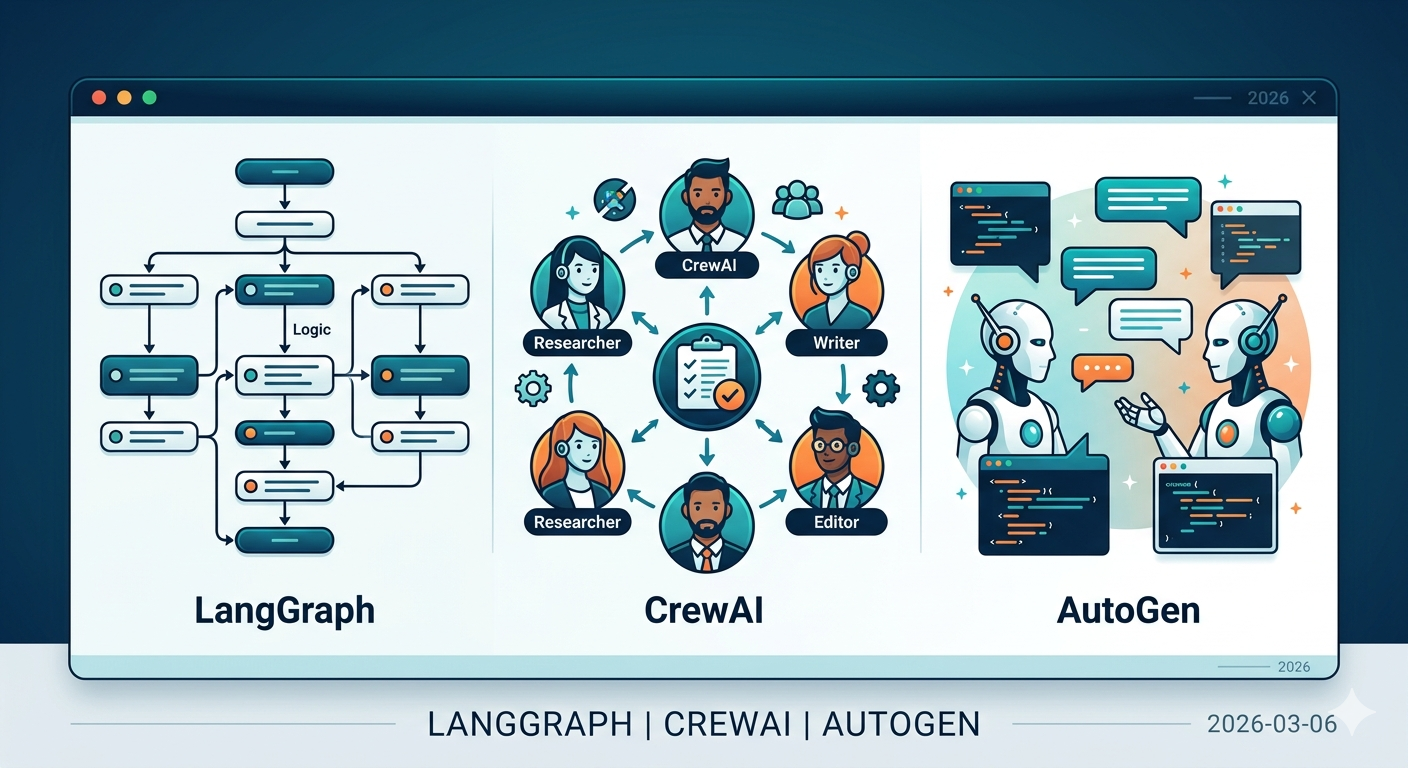
LLMs have moved past generating text. They use tools, make plans, and collaborate with other agents. Building something that actually works — an AI agent that performs real tasks — requires a framework. And the options keep multiplying.
Here's a comparison of the three most widely used: LangGraph, CrewAI, and AutoGen.
Quick Summary
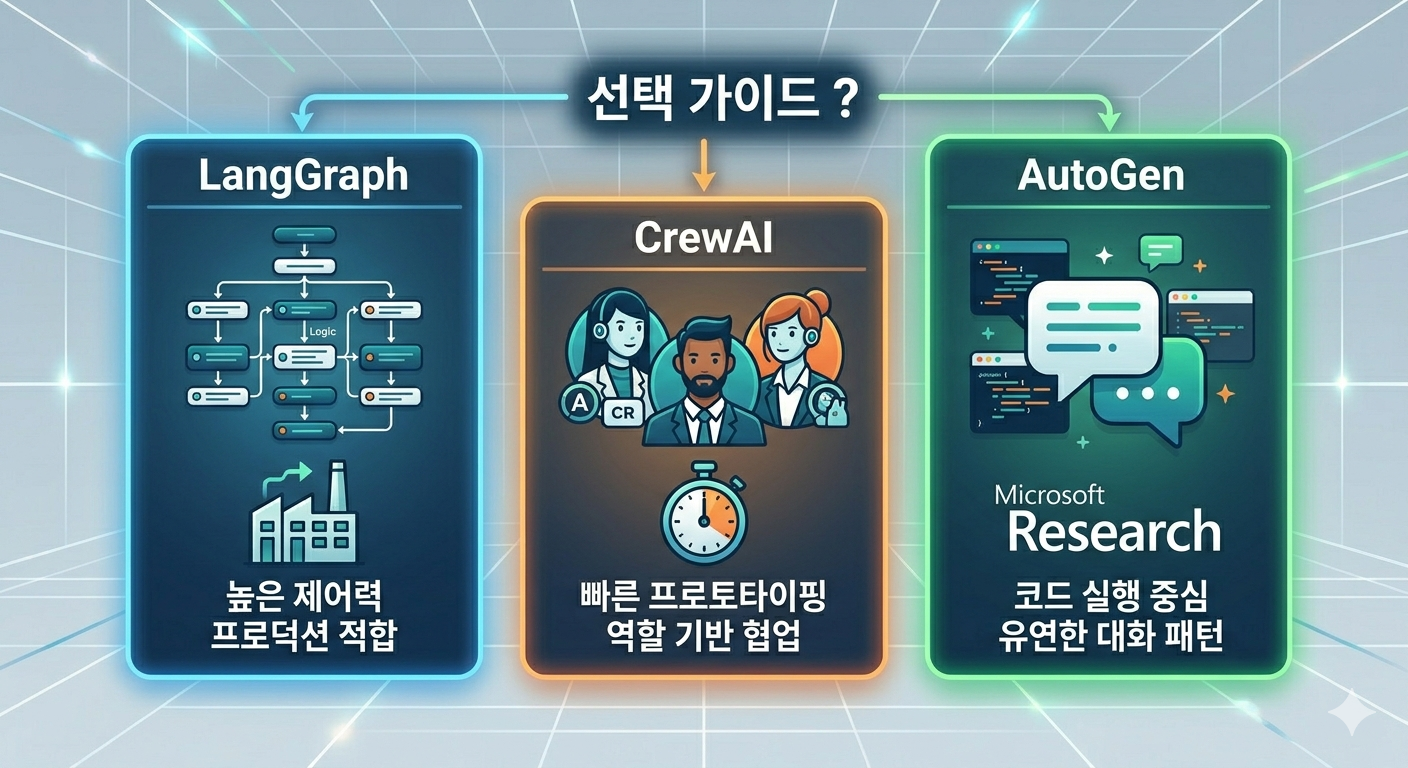
- LangGraph: Graph-based precision control for complex workflows. Production-grade. (v1.0 GA)
- CrewAI: Role-based multi-agent collaboration. Fast to prototype. (v1.10, MCP/A2A support)
- AutoGen → Microsoft Agent Framework: AutoGen has entered maintenance mode. Microsoft merged AutoGen and Semantic Kernel into the Microsoft Agent Framework, with RC released February 2026.
- OpenAI Agents SDK: Lightweight agent framework from OpenAI. Supports 100+ non-OpenAI models too.
LangGraph
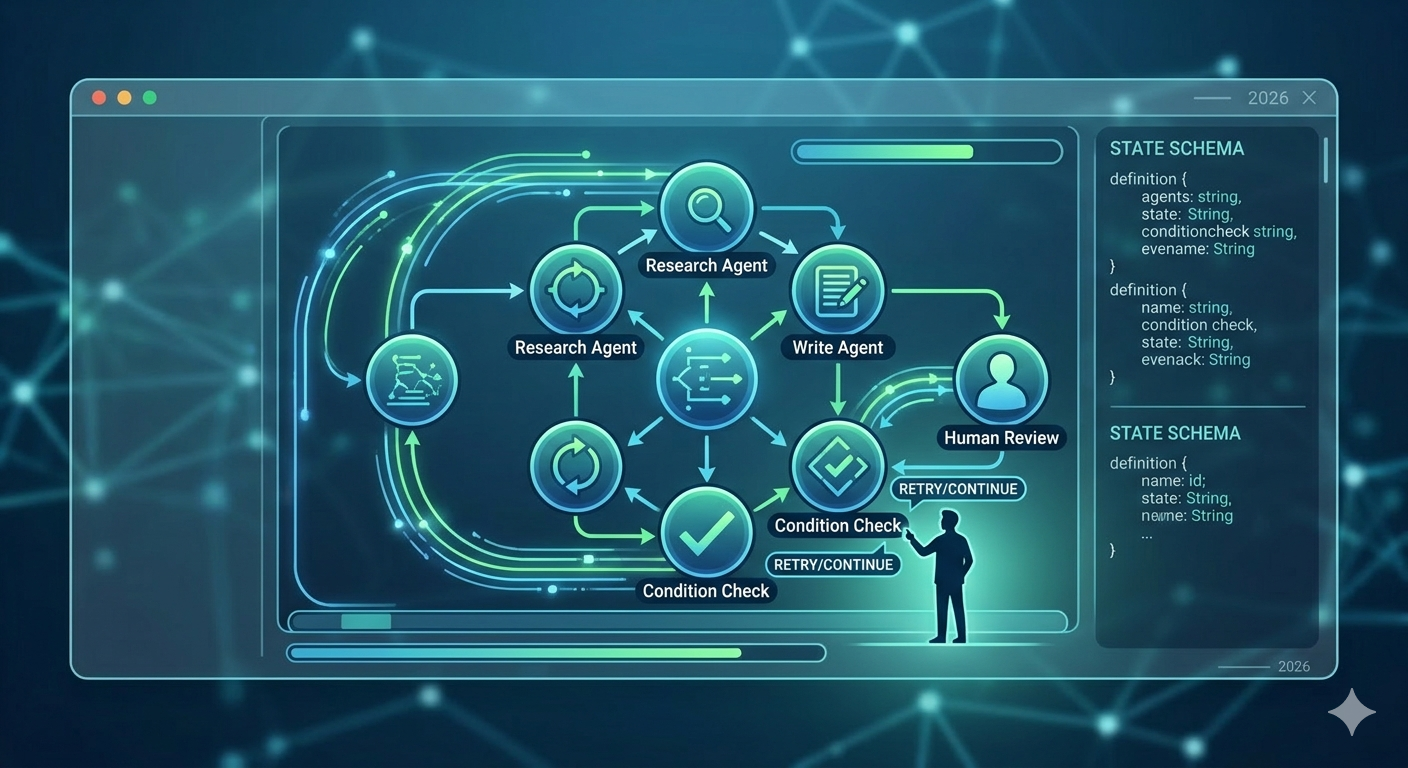
Built by the LangChain team. The core idea: represent agent behavior as a directed graph. Cycles are supported, so iterative agent loops feel natural.
Architecture
Nodes hold the logic for each step. Edges define transitions between steps. Conditional edges handle branching. State is explicitly defined and passed between nodes.
graph = StateGraph(AgentState)
graph.add_node("research", research_node)
graph.add_node("write", write_node)
graph.add_conditional_edges("research", should_continue)
Strengths
Control is unmatched. You define exactly what the agent does at each step, when it pauses for human approval, and where it falls back on failure — all in code. For environments where "let the AI figure it out" doesn't fly, this is what you need.
Checkpointing and state management are built in. If an agent stops mid-task, its state gets saved and execution can resume later. Human-in-the-loop patterns slot in naturally.
LangSmith integration makes debugging straightforward. You can trace what went in and out of each node.
Drawbacks
The learning curve is steep. You need to understand graph concepts, design state schemas, and write edge conditions. For a simple agent, it can feel like overkill. Some familiarity with the LangChain ecosystem helps with getting started.
CrewAI
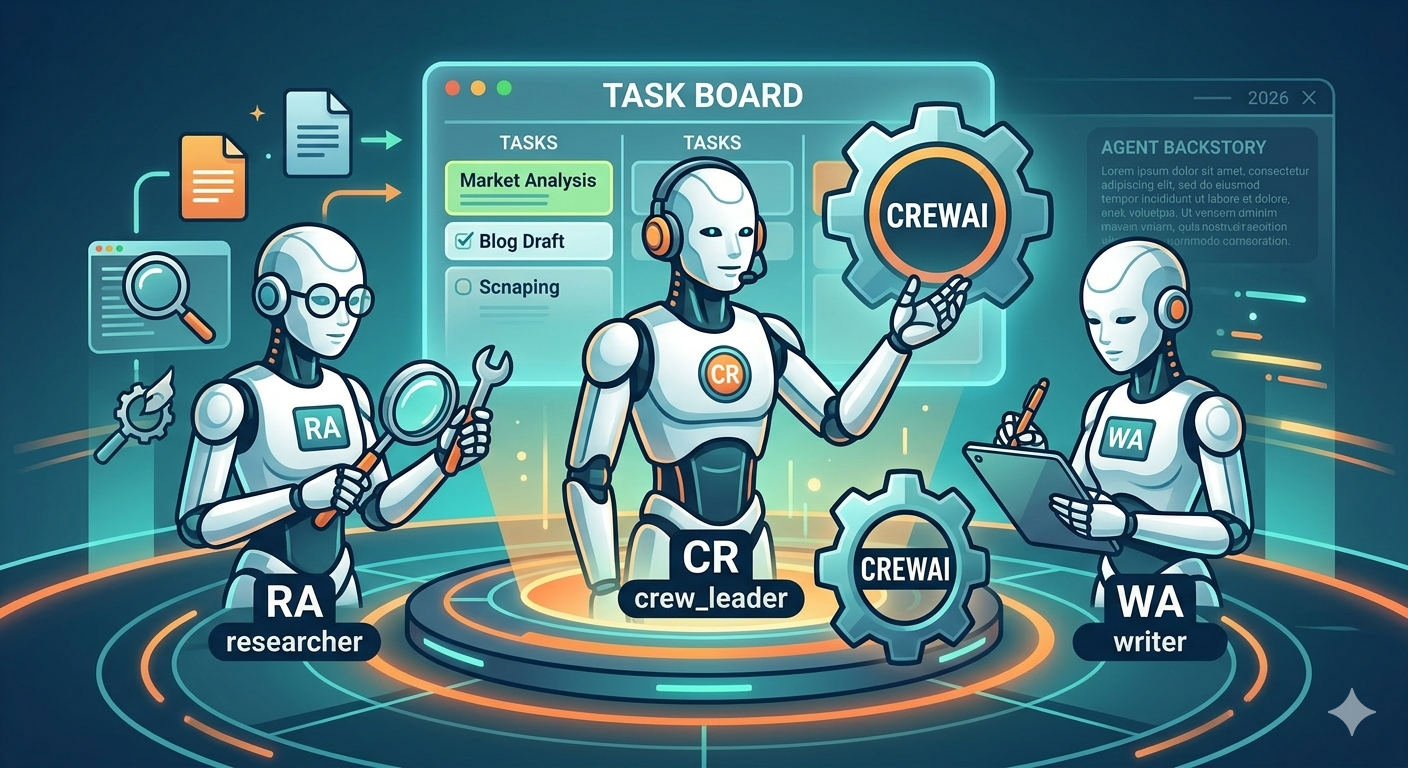
"Build an AI team" isn't a metaphor here — it's literally how the code is structured.
Architecture
Agents get a role, goal, and backstory. Tasks are defined and assigned to agents. A Crew groups agents and executes the workflow.
researcher = Agent(
    role="Senior Researcher",
    goal="Investigate latest AI trends",
    backstory="AI researcher with 10 years of experience",
    tools=[search_tool, web_scraper],
)
Strengths
Intuitive. You can read the code and immediately understand what it does. Agent roles are described in natural language, so even non-developers can follow the structure. Prototyping is fast.
Built-in tools are abundant. Web search, file read/write, code execution — common tools are available without custom implementation.
Sequential and parallel execution modes let you run agents in order or simultaneously, depending on the task.
Drawbacks
Fine-grained control on complex workflows remains a limitation. Conditional branching and loops are harder to express. Each agent carries its own system prompt, which inflates token usage.
AutoGen
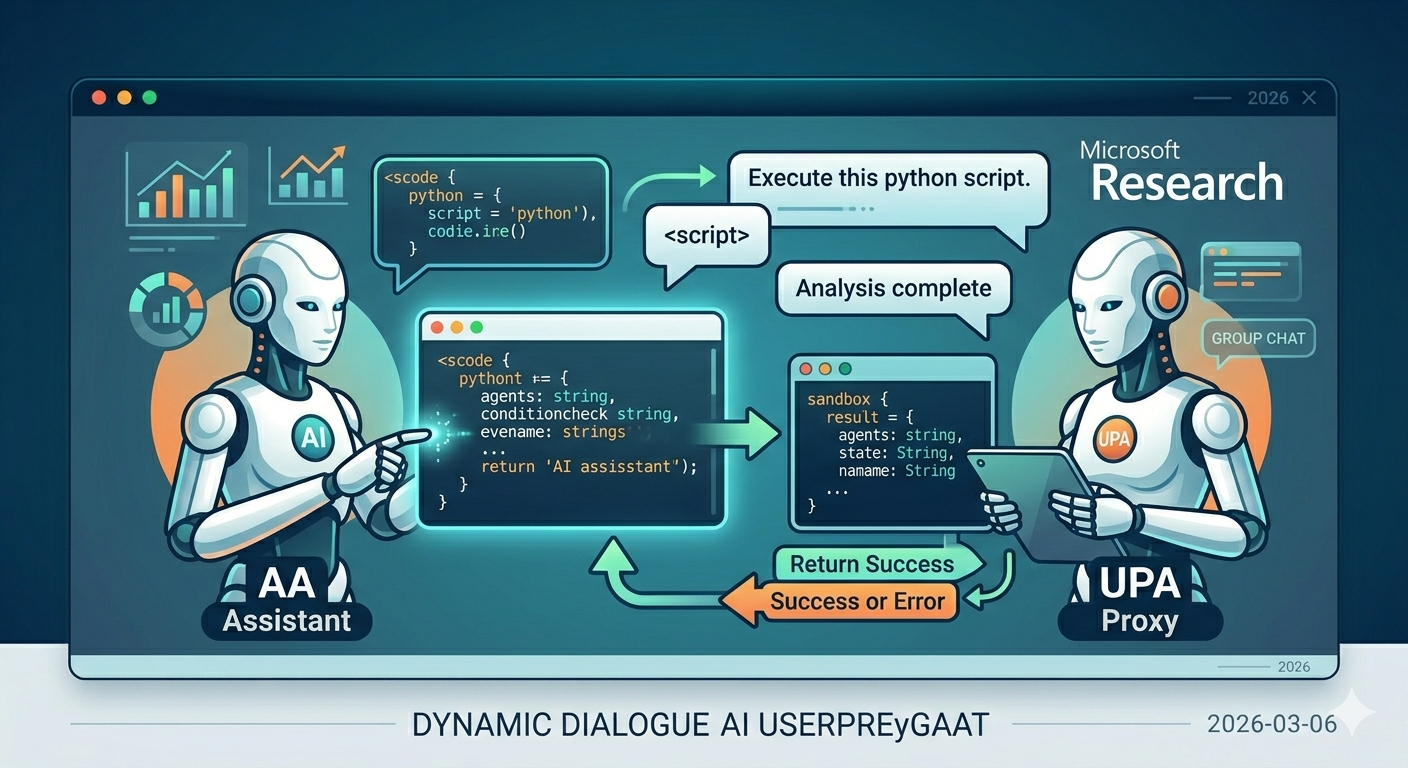
Started at Microsoft Research, designed around conversation between agents.
Architecture
Agents communicate by exchanging messages. An AssistantAgent writes code, a UserProxyAgent executes it and returns results. GroupChat patterns enable multiple agents to discuss and solve problems together.
Strengths
Code execution is a first-class citizen. The loop of writing code, executing it, checking results, and iterating is baked into the framework. Strong for data analysis and coding tasks.
Flexible conversation patterns — one-to-one, group, hierarchical. Various agent communication structures are possible.
The v0.4 move to an event-driven runtime improved scalability.
Current Status
AutoGen is now in maintenance mode. Microsoft created the Microsoft Agent Framework by merging AutoGen and Semantic Kernel. The RC dropped February 19, 2026. It supports graph-based workflows, A2A/MCP protocols, streaming, checkpointing, and human-in-the-loop — available in both Python and .NET. Teams already deep in the Azure ecosystem should plan to migrate once GA lands (expected late March 2026).
If you're running AutoGen code in production, it's time to start planning that migration.
The New Option — OpenAI Agents SDK
One more framework worth mentioning. OpenAI's Agents SDK (v0.10.2, formerly Swarm) builds agents from just four primitives: Agent, Handoff, Guardrail, and Tool. It's the lightest-weight option in this comparison. Despite the name, it supports 100+ LLMs through the Chat Completions API, not just OpenAI models.
Good for when you want a simple agent quickly but don't need CrewAI's role/crew structure.
Choosing a Framework
| LangGraph | CrewAI | MS Agent Framework | OpenAI Agents SDK | |
|---|---|---|---|---|
| Control Level | Very High | Medium | High | Low |
| Learning Curve | Steep | Gentle | Medium | Very Gentle |
| Prototyping Speed | Slow | Fast | Medium | Very Fast |
| Production Readiness | High | Medium | High (post-GA) | Medium |
| MCP Support | Supported | Native | Native | Not Supported |
| State Management | Built-in | Limited | Built-in | Basic |
Building production agents — LangGraph is the most battle-tested choice. Post-1.0 GA, it has the largest body of enterprise production case studies.
Fast multi-agent prototyping — CrewAI gets results with minimal code.
Azure ecosystem — Wait for Microsoft Agent Framework GA, then adopt it. The integration will be natural.
Quick lightweight agents — OpenAI Agents SDK has the lowest entry barrier.
One clear trend: MCP (Model Context Protocol) is becoming the standard for connecting agents to tools. Choosing a framework with MCP support lets you tap into a growing ecosystem of pre-built integrations.
Framework Selection Criteria
The comparison table is useful, but picking a framework involves more than feature checklists. A few factors that matter in practice:
Team skill set. LangGraph demands comfort with graph theory and explicit state management. If your team mostly writes straightforward Python scripts, the gap to productive LangGraph usage is real. CrewAI or the OpenAI Agents SDK will yield working prototypes faster, and that matters when you need to prove value before investing in architecture.
Existing infrastructure. Already running on Azure with Cosmos DB and Azure OpenAI? The Microsoft Agent Framework will integrate with minimal friction once it hits GA. Have a LangChain codebase? LangGraph is a natural extension. These ecosystem lock-in effects are practical considerations, not theoretical ones.
Workflow complexity. Count the decision points in your agent workflow. If there are two or three — say, classify then route then respond — you probably don't need a graph-based framework. A linear chain with simple conditionals works fine. But once you have loops, parallel branches, human approval gates, and fallback paths, LangGraph's explicit graph model starts paying for itself.
Observability requirements. Production agents need monitoring. LangGraph has LangSmith. CrewAI has built-in logging but limited tracing. If your organization requires detailed audit trails of every agent decision, that narrows the field quickly.
Performance Benchmarks — Handle with Care
You'll see benchmark comparisons floating around. Take them with a large grain of salt. Agent framework benchmarks are tricky because:
LLM latency dominates. The framework overhead is usually 1-5% of total execution time. The rest is waiting for the model to respond. So a "faster" framework doesn't mean much if both are spending 95% of their time waiting on API calls.
Token usage varies more than speed. CrewAI's approach of giving each agent its own system prompt means higher token counts in multi-agent setups. LangGraph's shared state can be more token-efficient but requires more careful state design. The cost difference across a month of production usage often matters more than milliseconds of latency.
Reliability beats speed. An agent that completes successfully 98% of the time at 10 seconds is better than one that finishes in 6 seconds but fails 15% of the time. Error handling, retry logic, and graceful degradation are where frameworks diverge more meaningfully than raw speed.
If you must benchmark, test with your specific use case, your chosen model, and your expected concurrency. Generic benchmarks rarely translate to your workload.
When NOT to Use an Agent Framework
This might be the most useful section. Not everything needs an agent.
Simple API chains. If your workflow is "call LLM, parse output, call API, return result" — just write that code directly. A few dozen lines of Python with the OpenAI or Anthropic SDK is clearer, easier to debug, and has zero framework overhead. Adding an agent framework to a linear workflow is like using Kubernetes to run a single container.
Deterministic pipelines. If every step is predictable and the LLM's role is limited to one or two specific tasks (summarization, classification), you don't need agents. You need a pipeline with an LLM step in it. Standard workflow tools (Prefect, Airflow, even a shell script) might serve you better.
Latency-critical paths. Every framework adds overhead: state serialization, routing logic, tool selection. For user-facing requests where every 100ms counts, calling the LLM directly and handling the response in your application code eliminates an entire layer of latency.
When you don't understand the problem yet. This one is counterintuitive. Frameworks impose structure, and premature structure on a poorly understood problem leads to painful refactors. Start with a Jupyter notebook. Prototype the agent loop manually. Once you understand the flow, then pick the framework that fits it.
The best agent is sometimes no agent at all — just a well-written function that calls an LLM when it needs to.