Vector Databases: Pinecone, Weaviate, ChromaDB
What vector databases are, why they exist, and how Pinecone, Weaviate, ChromaDB, Milvus, and Qdrant compare.
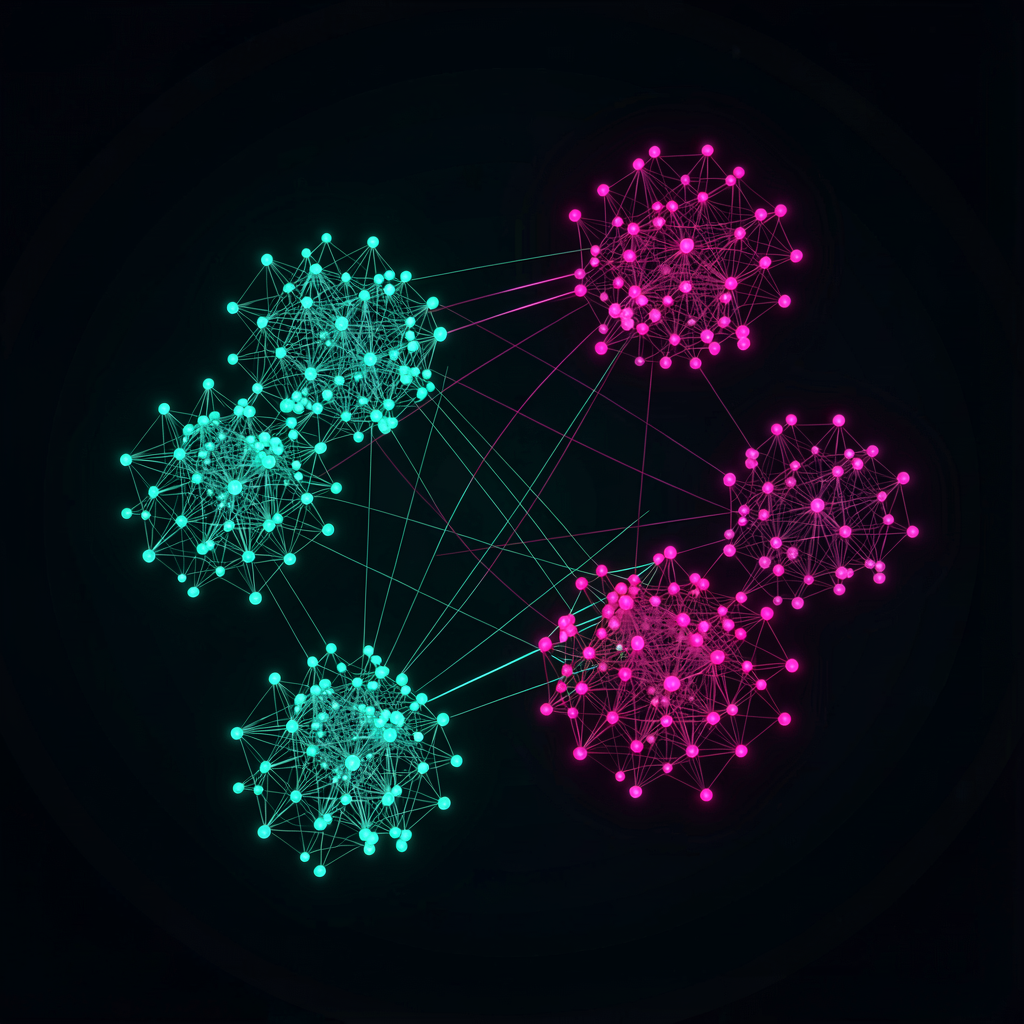
RAG (Retrieval-Augmented Generation) has become the go-to pattern for AI applications, and vector databases came along for the ride. If you want an LLM to answer questions based on your own data, you'll run into vector DBs almost immediately.
The confusing part: there are too many options. Pinecone, Weaviate, ChromaDB, Milvus, Qdrant, pgvector... What's different about each one, and which should you pick?
Embeddings First
To understand vector databases, you need to understand embeddings.
An embedding is a numeric representation of unstructured data — text, images, audio — converted into an array of hundreds or thousands of numbers (a vector). The word "cat" becomes something like [0.12, -0.34, 0.56, ...]. The key property: meaning is preserved in the transformation. Words with similar meanings end up close together in vector space; unrelated words end up far apart.
"Cat" and "dog" have vectors that are close together. "Cat" and "automobile" are far apart. This property enables semantic search, similar image retrieval, and question-answer matching.
Embeddings are generated using models like OpenAI's text-embedding-3, Cohere's Embed, or open-source options like sentence-transformers. A vector database stores and searches these embeddings efficiently.
Why Regular Databases Fall Short
Could you store vectors as arrays in PostgreSQL and compute cosine similarity with a query? For small datasets, sure. At scale, it breaks down.
Exact similarity search (brute-force) is O(n) — compare against every vector. With 1 million vectors at 1,000 dimensions, that's 1 million comparisons, each involving 1,000 multiplications and additions. Per query. That doesn't scale.
Vector databases solve this with ANN (Approximate Nearest Neighbor) algorithms. They sacrifice a tiny bit of accuracy (still 99%+) for search speeds that are hundreds to thousands of times faster.
Key ANN Algorithms
HNSW (Hierarchical Navigable Small World) — The most widely used. Builds a graph structure connecting similar vectors, then searches hierarchically. Good balance between speed and accuracy. Supported by default in most vector databases. Uses more memory but that's the trade-off for speed.
IVF (Inverted File Index) — Divides vectors into clusters, then only searches clusters near the query vector. More memory-efficient than HNSW but can be slightly less accurate. Useful at large scale with limited memory.
PQ (Product Quantization) — Compresses vectors to reduce memory usage. Usually combined with IVF (as IVFPQ) rather than used alone. Accuracy drops, but it's a realistic option when you need to handle billions of vectors.
Major Vector DBs Compared
Pinecone
Fully managed service. No servers to run — just call the API.
Highlights:
- Zero infrastructure management — Pinecone handles scaling, backups, monitoring
- Serverless option — pay for what you use; good for smaller projects
- Metadata filtering alongside vector search
- Namespace-based data isolation
Pricing: Free tier exists but is limited (5 indexes, dimension caps). Production use starts around $70/month and scales with usage.
Best for: Teams that don't want to manage infrastructure. Quick prototyping. Serverless architectures.
Weaviate
Open source with a cloud service option. Hybrid search combining vector and keyword search is its main differentiator.
Highlights:
- Hybrid search — BM25 (keyword) + vector search together, improving relevance
- Module system — plug in embedding providers (OpenAI, Cohere, Hugging Face) to auto-vectorize text on ingest
- GraphQL API
- Multimodal — stores and searches image vectors alongside text
Pricing: Self-hosted is free (open source). Cloud starts with a free Sandbox; production pricing is usage-based.
Best for: Hybrid keyword + vector search. Multimodal data. Teams that want self-hosting as an option.
ChromaDB
Lightweight, simple, open-source vector DB. Optimized for local development and prototyping.
Highlights:
- Dead simple setup:
pip install chromadband you're done - Python-native — smooth integration with LangChain and LlamaIndex
- In-memory or persistent storage
- Built-in embedding functions (no external embedding service required)
import chromadb

client = chromadb.Client()
collection = client.create_collection("my_docs")

collection.add(
    documents=["cats are cute", "dogs are loyal", "my car broke down"],
    ids=["doc1", "doc2", "doc3"]
)

results = collection.query(
    query_texts=["pets"],
    n_results=2
)
# → "cats are cute", "dogs are loyal"
Pricing: Open source, free. Cloud service is still in early stages.
Best for: Local development, prototypes, small projects, learning. Not quite ready for large-scale production.
Milvus
A CNCF graduated project. Built for large-scale environments.
Highlights:
- Scales to billions of vectors
- GPU-accelerated search
- Distributed architecture with separated storage and compute
- Multiple index types (HNSW, IVF, DiskANN, etc.)
- Zilliz Cloud offers a managed version
Best for: Large datasets (hundreds of millions to billions of vectors), high-throughput production environments. Overkill for small projects.
Qdrant
Open-source vector DB written in Rust. Strikes a good balance between performance and features.
Highlights:
- Rust-based: strong memory efficiency and performance
- Rich filtering — nested conditions, geo-filtering
- Well-indexed payloads (metadata) for fast filtered searches
- gRPC and REST API support
- Cloud service available
Best for: Complex filtering requirements, performance-focused production deployments, self-hosting.
Comparison Table
| Feature | Pinecone | Weaviate | ChromaDB | Milvus | Qdrant |
|---|---|---|---|---|---|
| Type | Managed | Open source + cloud | Open source | Open source + cloud | Open source + cloud |
| Self-hosting | No | Yes | Yes | Yes | Yes |
| Learning curve | Low | Medium | Very low | High | Medium |
| Scalability | High | Medium-high | Low | Very high | High |
| Hybrid search | Limited | Strong | Basic | Supported | Supported |
| Production readiness | High | High | Medium | High | High |
pgvector — If You Already Use PostgreSQL
If running a separate vector database feels like too much, pgvector is worth considering. It's a PostgreSQL extension that adds vector search to your existing database.
-- Install extension
CREATE EXTENSION vector;

-- Table with a vector column
CREATE TABLE documents (
    id SERIAL PRIMARY KEY,
    content TEXT,
    embedding VECTOR(1536)
);

-- HNSW index
CREATE INDEX ON documents
USING hnsw (embedding vector_cosine_ops);

-- Similarity search
SELECT content, embedding <=> '[0.1, 0.2, ...]' AS distance
FROM documents
ORDER BY distance
LIMIT 5;
Pros:
- No additional infrastructure if you already run PostgreSQL
- Combine vector search with relational queries in SQL
- Leverage PostgreSQL features: transactions, backups, replication
- Supported on serverless PostgreSQL platforms like Supabase and Neon
Cons:
- Slower than dedicated vector DBs, especially at scale
- Fewer vector-specific features (filtering, hybrid search)
- Performance degrades noticeably past a few million vectors
If your vector count stays under one million and PostgreSQL is already your main database, pgvector keeps your architecture simple. That simplicity has real value.
Decision Guide
Prototyping / learning — ChromaDB. Easy to install, works directly in Python, free. Most LangChain tutorials default to it.
Small-scale production (under 1M vectors) — pgvector if you already run PostgreSQL. Otherwise, self-hosted Qdrant or Weaviate, or Pinecone Serverless.
Medium to large production — Pinecone or Weaviate Cloud if you don't want to manage infrastructure. Self-hosted Qdrant or Milvus if you do. Weaviate if hybrid search matters.
Billions of vectors — Milvus. Few other open-source options are proven at this scale.
One caveat: vector DB performance varies significantly depending on your dataset and query patterns. Benchmarks only tell part of the story. Narrow your options to 2–3 candidates and test with your actual data. Most vector databases offer free tiers or open-source versions, making comparison straightforward.
This space is evolving fast. A comparison from six months ago might already be outdated. Check each product's latest release notes before making a decision.