AI Image Generators Compared: 2026 Edition
Midjourney v7, GPT Image 1.5, and Stable Diffusion 3.5 — strengths, pricing, and which to use when.
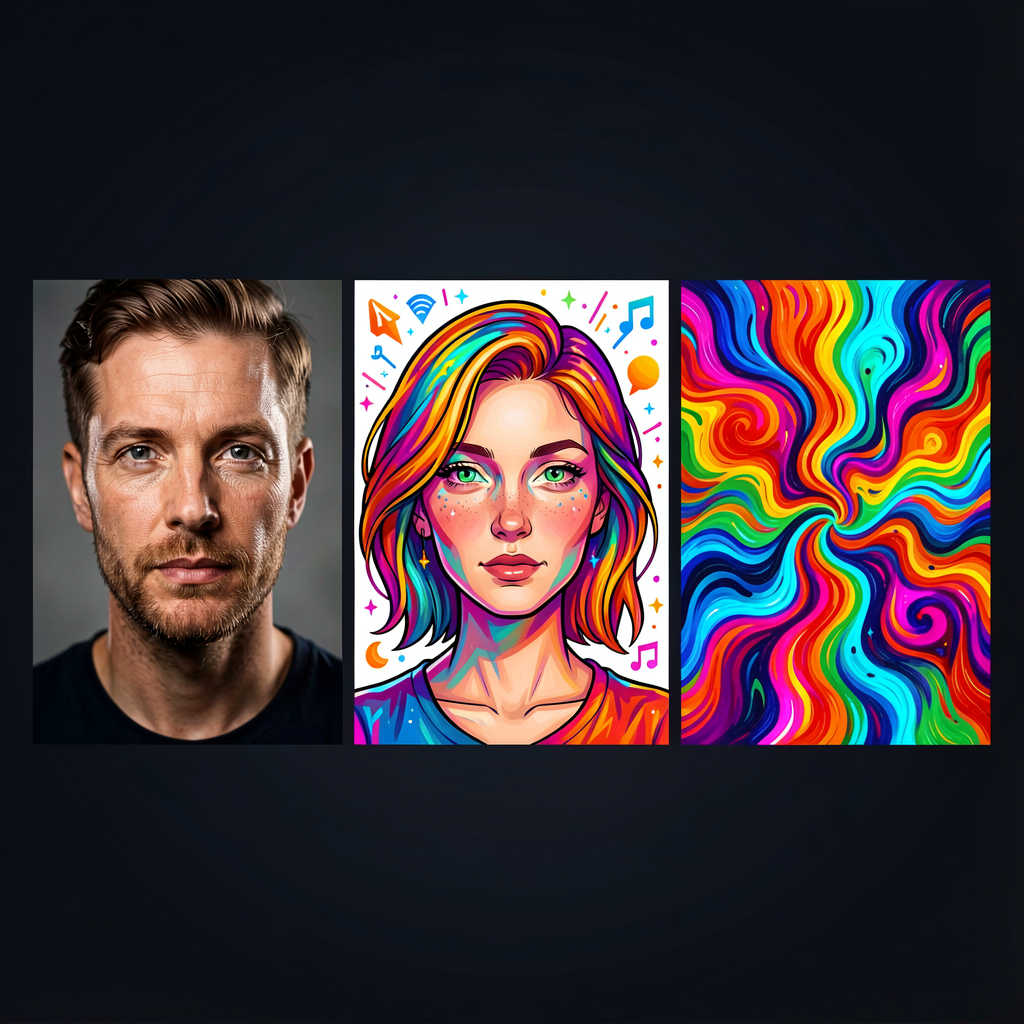
"A cat in a spacesuit drinking coffee on Mars" — type something absurd like that, and an actual image comes out. AI image generation has exploded since 2022, and by 2026 there are so many options that choosing one has become its own problem.
Short answer: no single tool does everything best. They each have different strengths.
The Big Three at a Glance
| Midjourney v7 | GPT Image 1.5 (ChatGPT) | Stable Diffusion 3.5 | |
|---|---|---|---|
| By | Midjourney, Inc. | OpenAI | Stability AI + community |
| Access | Web/Discord | Built into ChatGPT | Local install or web services |
| Pricing | $10–$120/mo | Included with ChatGPT sub | Free (local) |
| Strength | Aesthetic quality | Prompt understanding, text accuracy | Freedom, customization |
| Weakness | Text rendering | Not quite Midjourney-level aesthetics | High learning curve |
Midjourney v7 — Still the Best-Looking Output
The v7 release (April 2025) rebuilt the architecture from scratch. Results still look like art — that hasn't changed — but bad generations dropped significantly compared to previous versions. Composition, lighting, and color grading come out polished without heavy prompt engineering.
The web editor has matured significantly, bringing generative fill, inpainting, and outpainting to the browser. Video generation (V1, up to 21 seconds) is now supported, and Niji 7 (January 2026) strengthened the anime/illustration specialized mode.
The weak spot is text rendering inside images. Getting letters to appear correctly is still much better on GPT Image. And there's no free tier — you have to pay before you can try it.
Pricing runs Basic $10/month, Standard $30/month, Pro $60/month. Standard and above get unlimited relaxed mode, letting you queue non-urgent generations at slower speed.
GPT Image 1.5 (ChatGPT) — Most Convenient and Smartest
GPT Image 1.5 replaced DALL-E 3 in December 2025 and changed the game. It's not a separate image pipeline — it's natively integrated into ChatGPT as a multimodal model, which gives it prompt comprehension on a different level. It holds the #1 spot on LM Arena's image generation leaderboard with a top-ranking ELO score.
"Make the background darker," "add a tree on the right," "change the text to Spanish" — this kind of iterative natural-language refinement just works. Complex scenes with multiple elements, spatial relationships, and fine details are where it really separates itself from the pack.
Text rendering accuracy sits around 95%. Putting readable text in AI-generated images has been a longstanding weak point across the industry, but GPT Image handles it well — even for non-Latin scripts. This area is clearly ahead of Midjourney.
The trade-off: aesthetically, it's a step below Midjourney. Images are good, but they don't quite have that "gallery piece" feel Midjourney produces. Content policy is also stricter, limiting the range of images you can generate.
It's bundled with ChatGPT Plus ($20/month) and Pro ($200/month) subscriptions, so if you're already paying for ChatGPT, there's no extra cost. Worth noting: the legacy DALL-E 2/3 APIs are scheduled for shutdown in May 2026.
Stable Diffusion — Maximum Freedom
The open-source champion. Stable Diffusion 3.5 uses an 8.1 billion parameter Multimodal Diffusion Transformer architecture, pushing quality up another notch. Running locally is the big differentiator — if you have a GPU, you get unlimited free generation, plus full access to LoRA fine-tuning and ControlNet conditioning.
The FLUX ecosystem has emerged as a significant force alongside SD. Apache 2.0 licensed for commercial freedom, and FLUX.2 Klein can generate images in under one second. Civitai and similar platforms host thousands of community-built custom models based on SD and FLUX. This level of customization simply isn't possible with Midjourney or GPT Image.
Interfaces like ComfyUI and Automatic1111 let you build node-based workflows — chaining image generation → upscaling → background removal → style transfer into visual pipelines. Once you're comfortable with the setup, productivity gets high.
The catch: steep learning curve. Installation is involved (Python environment, CUDA setup, model downloads), and getting good results takes investment in prompt engineering and parameter tuning. Expecting beautiful images right after install will lead to disappointment.
If local setup feels like too much, cloud services like RunPod and Replicate let you run Stable Diffusion without your own hardware.
Prompt Engineering That Actually Works
The tool matters, but the prompt matters more. Here are some practical tips that make a real difference.
Be specific about visual style. Instead of "pretty landscape," try "cinematic lighting, golden hour, 35mm film grain, wide angle landscape." Camera lens types (wide angle, macro, telephoto), lighting setups (studio lighting, backlit, neon glow), and rendering styles (photorealistic, watercolor, cel-shading) are the building blocks. Combining these keywords precisely is what separates mediocre outputs from impressive ones.
Use negative prompts aggressively. This is especially effective in the Stable Diffusion ecosystem. Adding "blurry, low quality, deformed hands, extra fingers" as negative keywords reduces common artifacts noticeably. Midjourney offers the --no parameter for similar functionality. GPT Image doesn't have a formal negative prompt field, but phrasing things like "hands in a natural relaxed pose" works as a workaround.
Order your prompt carefully. Most models give higher weight to keywords that appear earlier in the prompt. Put the most important element first, push secondary details toward the end. "A samurai standing on a cliff at sunset, dramatic clouds, anime style" makes the samurai the focal point. Rearranging those same words can shift the composition entirely.
Lock the seed value for iterative refinement. When you get an image you like, fixing the seed while tweaking the prompt lets you adjust details without losing the overall composition. Midjourney uses --seed, Stable Diffusion has a seed input field in most UIs. It's a simple technique, but it saves a lot of re-rolling.
Resolution and Aspect Ratio Choices
Resolution and aspect ratio directly affect output quality, yet they're often an afterthought.
Different platforms need different ratios. Instagram feed posts work best at 1:1 or 4:5. Stories and TikTok need 9:16. YouTube thumbnails are 16:9. Blog headers usually go 16:9 or 2:1. Choosing the right ratio at generation time avoids awkward crops later that ruin composition.
| Use Case | Recommended Ratio | Recommended Resolution |
|---|---|---|
| Instagram Feed | 1:1 or 4:5 | 1080×1080 / 1080×1350 |
| Instagram/TikTok Stories | 9:16 | 1080×1920 |
| YouTube Thumbnails | 16:9 | 1280×720 minimum |
| Blog Headers | 16:9 to 2:1 | 1200×630 minimum |
| Varies | 2048×2048 minimum |
Midjourney lets you set aspect ratio with --ar 16:9, defaulting to 1024×1024. The --quality 2 flag increases detail at the cost of longer generation time. GPT Image defaults to 1024×1024, with 1024×1792 and 1792×1024 available through the API for portrait and landscape formats. Stable Diffusion lets you set any resolution you want, but straying too far from the training resolution (usually 1024×1024) causes composition issues and tiling artifacts. The cleaner approach: generate at native resolution, then upscale with a dedicated tool like Real-ESRGAN.
Licensing and Copyright — The Messy Part
The legal status of AI-generated images is still unsettled. It varies by country, by court ruling, and keeps evolving.
In the United States, the U.S. Copyright Office maintains that AI-generated images on their own are not eligible for copyright protection. However, if a human sufficiently edits or creatively arranges AI outputs, copyright may apply to those human contributions. Writing a prompt alone doesn't currently qualify as "human authorship" under their framework.
In the EU, the situation is similar but nuanced by member state. The general principle is that copyright requires a human author, so purely AI-generated works lack protection. The EU AI Act (effective 2025) adds transparency requirements — AI-generated content must be labeled as such in certain contexts, which affects commercial use.
In East Asia, approaches vary. Japan's copyright law has been relatively permissive about AI training data, though output protection follows the same human-authorship requirement. South Korea and China are still developing case law on this front.
Each tool's terms of service differ too. Midjourney grants commercial usage rights to paid plan users, though businesses with over $1 million in annual revenue need the Pro plan or above. GPT Image transfers rights to the user, excluding anything that violates content policy. Stable Diffusion licensing depends on the specific model — FLUX uses Apache 2.0 (fully open for commercial use), while SD 3.5 follows the Stability AI Community License.
The safest commercial approach: don't use raw AI outputs without editing, and always check the terms of service for your specific tool and plan tier.
Pricing Comparison
Here's a side-by-side look at major pricing tiers. All prices reflect February 2026 rates and may change.
| Tool | Free | Entry | Mid-Tier | High-End |
|---|---|---|---|---|
| Midjourney | None | Basic $10/mo (~200 images) | Standard $30/mo (unlimited relaxed) | Pro $60/mo (stealth mode) |
| GPT Image | Free tier (limited) | Plus $20/mo | Team $25/mo/user | Pro $200/mo (unlimited) |
| Stable Diffusion | Free (local) | — | — | GPU costs only (cloud: $0.5–2/hr) |
| FLUX | Free (local) | — | — | API: $0.003–0.05/image |
On raw cost alone, local Stable Diffusion or FLUX wins hands down. But factor in hardware costs and it gets more nuanced. You need at least an RTX 4070-class GPU, which means an upfront investment north of $500. If you're only generating a few dozen images per month, Midjourney Basic or ChatGPT Plus is actually more cost-effective.
On the other hand, if your workflow demands hundreds of images daily, local generation becomes overwhelmingly cheaper. Even cloud GPU pricing (roughly $0.50–$1.00/hour on RunPod) brings the per-image cost well below what subscription services charge.
Recommendations by Use Case
Blog thumbnails, social media content — Midjourney v7 is the safe bet. Even rough prompts produce good-looking results, making it accessible for non-designers.
Iterative editing through conversation — GPT Image 1.5. The "fix this part" loop of revisions feels natural. Especially useful for images with text or presentation materials.
Bulk generation, custom styles — Stable Diffusion or FLUX. Generating hundreds of images in a specific style, or training on your own product images — nothing else comes close.
Quick prototype images for developers — GPT Image 1.5 wins on convenience. If you already use ChatGPT, no extra tools needed.
Speed-critical work — FLUX.2 Klein supports sub-second generation, and Google Imagen 4 Fast offers near-real-time output (~2-3 seconds).
Since each tool has distinct strengths, anyone seriously using AI image generation tends to combine two or more. Midjourney for the concept, Stable Diffusion/FLUX for variations, GPT Image for adding text — that kind of pipeline.
Regardless of which tool you use, "writing good prompts" determines the quality of results. Same as with text-based AI.